
Outside broadcast / Live production
OB trucks.
Ready for your
next live moment.
Meet the V-MEDIA outside broadcast fleet: OB 3 for 4K UHD and HDR, OB 2 for 16-camera HD production, and OB 1 for HD coverage with up to 14 cameras.
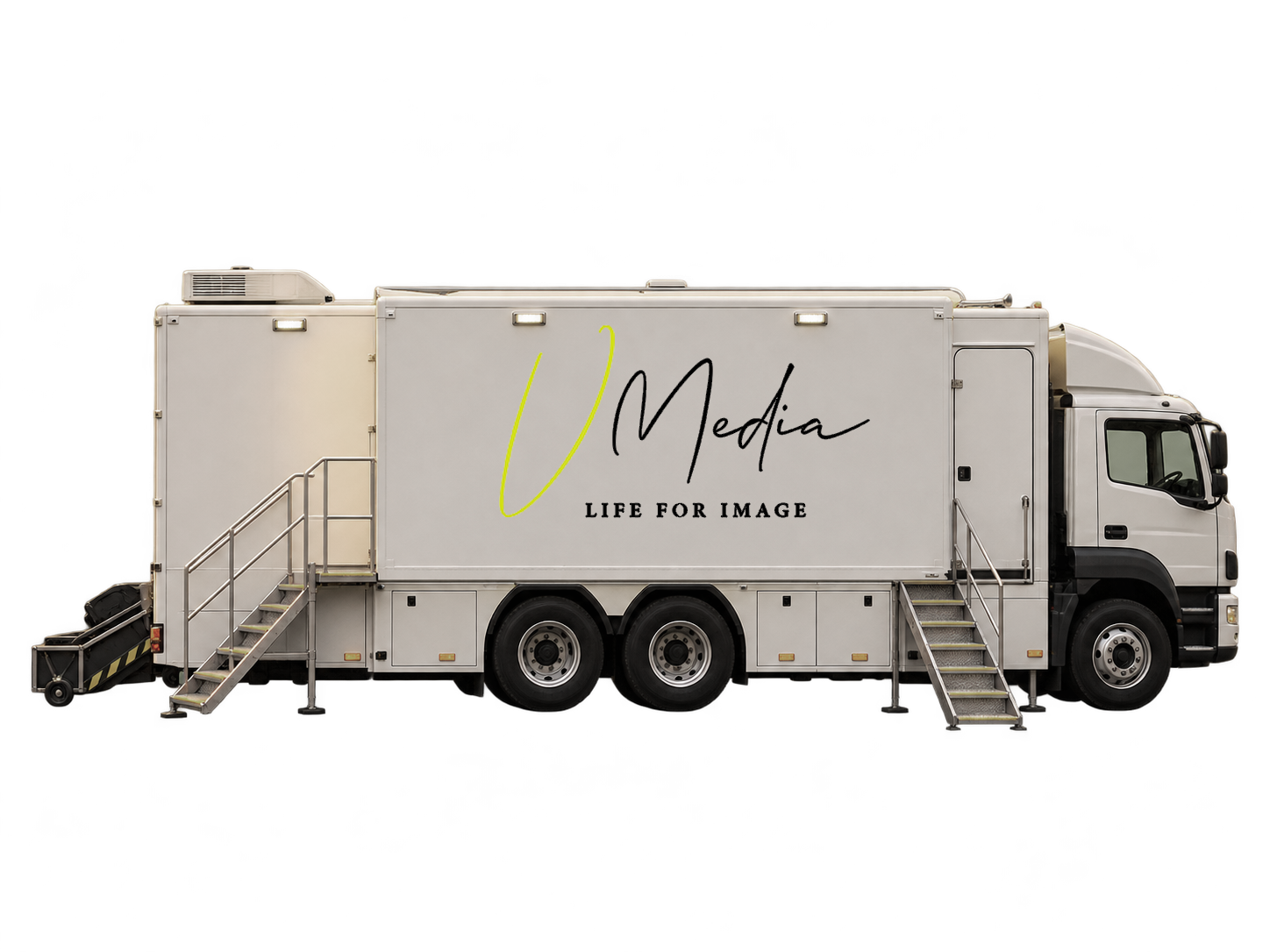 One production. Every perspective.
01 / Explore the fleet
Three trucks.
A world of live possibilities.
Start with the production format you need. Then define the cameras, crew positions, recording and delivery requirements around your event.
V-MEDIA / Outside broadcast
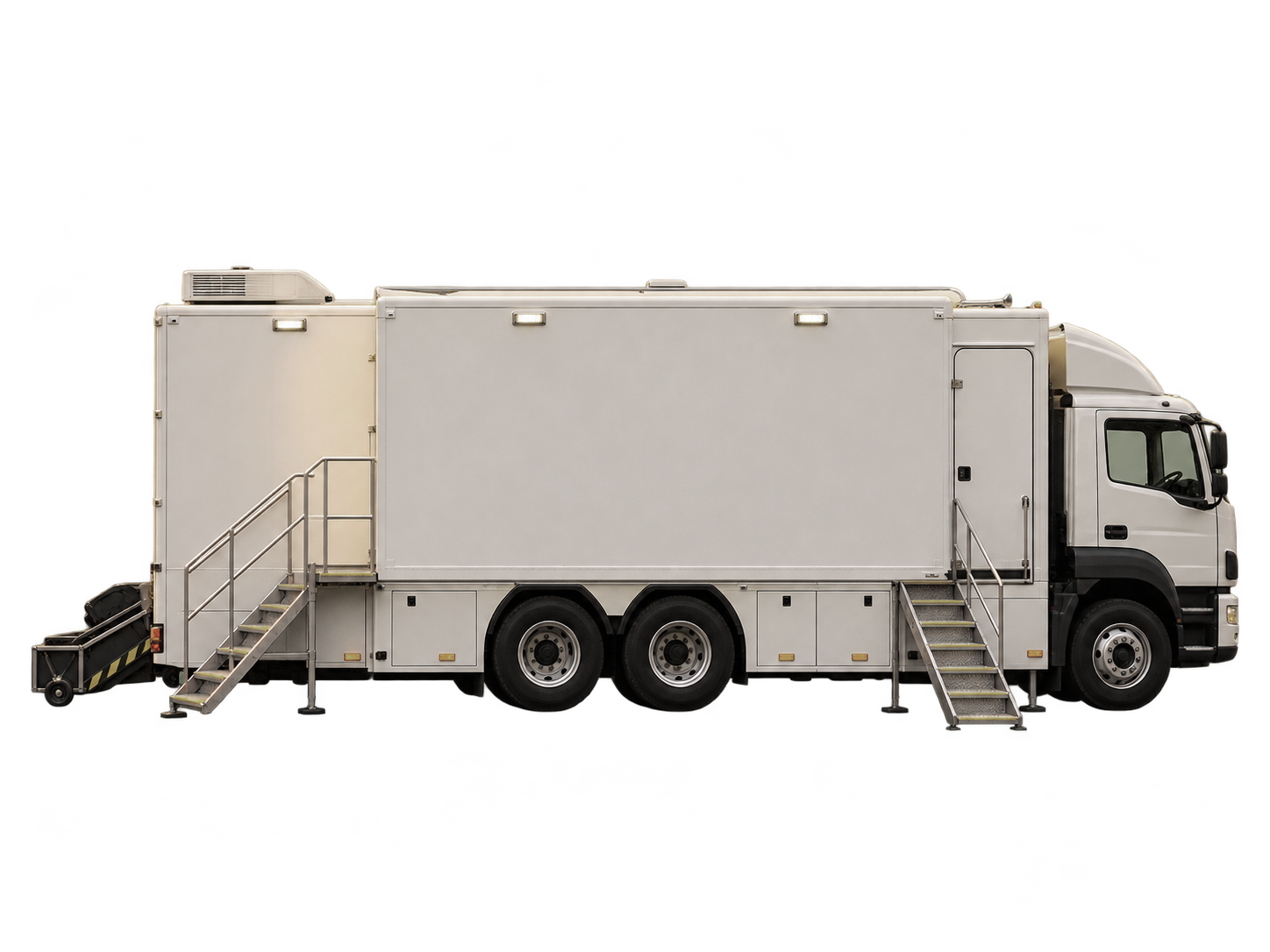
OB 3 4K UHD + HDR
A wider canvas for your live production.
V-MEDIA OB 3 brings 4K UHD and HDR production into an expandable outside broadcast unit, with separate camera control, directing and audio spaces.
View technical details
- Production format
- 4K UHD + HDR
- Camera capacity
- Camera capacity to confirm
- Vision mixing
- Switcher configuration to confirm
- Work areas
- Rack area · CCU room · director room · audio room · extension room
- Replay, audio & recording equipment
- Confirm the equipment package for your production.
- Dimensions, power & connectivity
- Available on request; confirm before site planning.
V-MEDIA / Outside broadcast
OB 2 HD
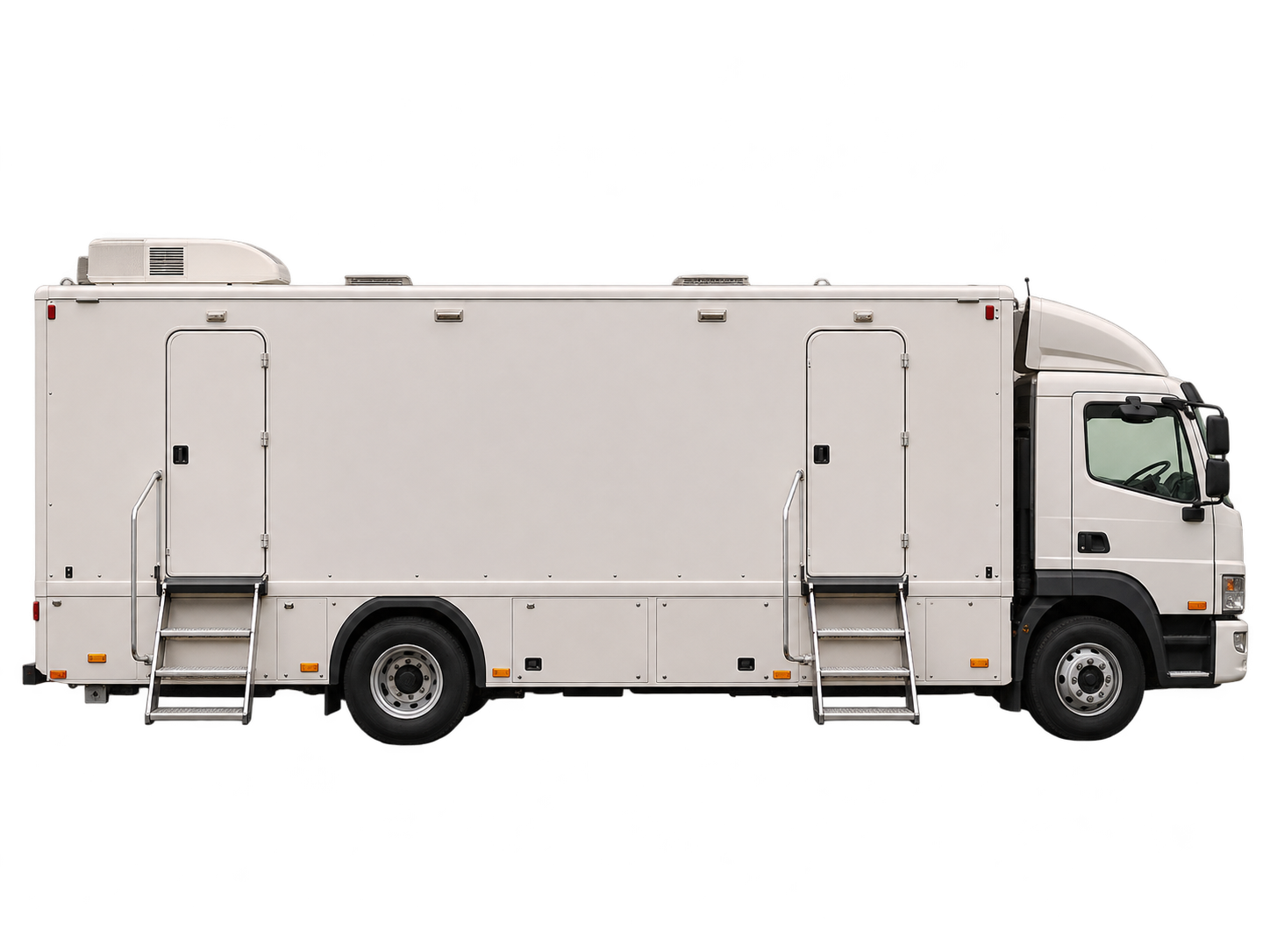
16 cameras. More room to direct the story.
V-MEDIA OB 2 supports 16-camera HD production with a 3 M/E switcher configuration and Virtual 6 M/E. Its layout separates camera control, directing and audio operations.
View technical details
- Production format
- HD
- Camera capacity
- 16 cameras
- Vision mixing
- 3 M/E · Virtual 6 M/E
- Work areas
- Rack area · CCU room · director room · audio room · extension room
- Replay, audio & recording equipment
- Confirm the equipment package for your production.
- Dimensions, power & connectivity
- Available on request; confirm before site planning.
V-MEDIA / Outside broadcast
OB 1 HD
Up to 14 cameras. One coordinated production.
V-MEDIA OB 1 supports HD outside broadcast production with up to 14 cameras and a 2 M/E switcher configuration. Its original work-zone illustration highlights engineering, production and audio.
View technical details
- Production format
- HD
- Camera capacity
- Up to 14 cameras
- Vision mixing
- 2 M/E
- Work areas
- Engineering · production · audio
- Replay, audio & recording equipment
- Confirm the equipment package for your production.
- Dimensions, power & connectivity
- Available on request; confirm before site planning.
Core specifications supplied by V-MEDIA. Final equipment, truck availability and site requirements are confirmed against your production brief. OB 1 and OB 2 share the supplied vehicle image. Original work-zone illustrations are shown below.
02 / Inside the fleet
See the space.
Plan the production.
Explore original V-MEDIA work-zone illustrations, from camera control and directing to audio and engineering. Select a truck and open its diagram for a closer look.
Inside OB 3
Space for every
part of the production.
An original V-MEDIA diagram brings the rack, camera control, directing and audio work areas together with an illustrative extension workspace. The graphic explains the production zones rather than vehicle dimensions.
- Production format
- 4K UHD + HDR
- Interior layout
- Dedicated CCU, directing and audio rooms
- Expanded workspace
- Extension workspace illustrated
- Diagram type
- Original illustrative schematic; not to scale
Inside OB 2
A closer look at
your control room.
This original V-MEDIA schematic presents the rack, camera control, director and audio zones, with a conceptual extension workspace. Key HD camera and switching specifications are highlighted beneath the diagram.
- Production format
- HD
- Camera capacity
- 16 cameras
- Vision mixing
- 3 M/E · Virtual 6 M/E
- Interior layout
- CCU, director, audio and extension rooms
Inside OB 1
A closer look at
your control room.
An original V-MEDIA work-zone illustration groups engineering, production and audio into a clear HD workflow, accompanied by the truck’s camera capacity and vision mixing specification.
- Production format
- HD
- Camera capacity
- Up to 14 cameras
- Vision mixing
- 2 M/E
- Interior layout
- Engineering, production and audio work areas
Original illustrative schematics, not to scale. Zone positions, sizes and symbols are conceptual and do not define actual dimensions, seating or equipment counts. Confirm the physical layout before site planning.
03 / Production capabilities
From the first camera
to the final feed.
Bring the production chain together around one brief. These are capabilities to discuss; the final package depends on the selected truck and configuration.
4K UHD & HDR Production
Plan multi-camera coverage in 4K UHD, with HDR where supported by the selected production system.
Cinematic Live Workflows
Bring a cinematic look to live coverage with considered camera, lens and colour choices.
OB Trucks & Flyaway Systems
Choose a mobile production unit or a portable flyaway configuration to suit the venue and production brief.
Live Switching & Signal Routing
Manage camera cuts, programme feeds and signal paths through a coordinated production workflow.
Multiview Monitoring
Keep cameras, graphics, replay and programme outputs in view with clear monitoring layouts.
Live Audio Production & Mixing
Plan microphone inputs, audio mixing and programme sound around the needs of your event.
Intercom & Crew Communications
Connect directors, camera operators, audio teams and other crew through coordinated talkback.
Instant Replay & Slow Motion
Build replays and highlights into the coverage, with server and camera requirements defined in advance.
ISO Recording & Archive
Record individual camera feeds alongside programme outputs when included in the production package.
Live Graphics Integration
Add titles, lower thirds, scores and event data to the live programme as required.
Satellite, Fibre, IP & Streaming
Plan contribution and distribution over suitable satellite, fibre, IP or streaming connections, subject to site availability.
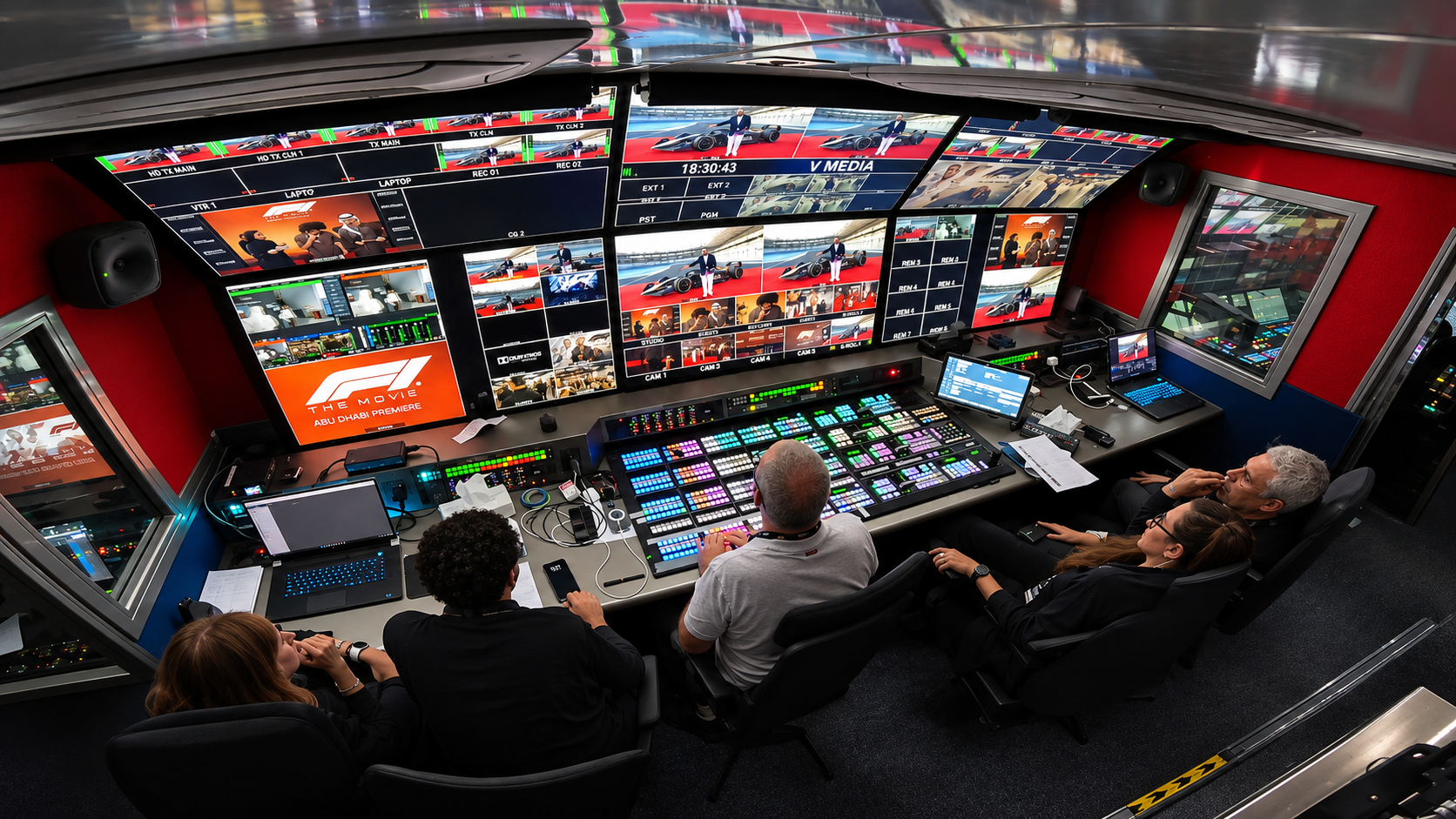
04 / Cinematic quality. Live.
The emotion of cinema.
The pace of live.
Pair a cinematic visual approach with the coordination of live broadcast production. Plan the complete workflow, from camera capture and vision mixing to sound, graphics, recording and delivery.
- Sports and live entertainment
- Government ceremonies and corporate events
- Remote and flyaway productions
- Esports and houses of worship
05 / Plan your production
A clearer picture.
Before you go live.
A few essentials to help you choose an outside broadcast production setup.
What is an OB truck?
An outside broadcast (OB) truck is a mobile production control room used to produce television or live coverage away from a permanent studio. Its configuration may include vision mixing, audio, monitoring, communications, replay and recording.
What is the difference between 4K, HDR and HD?
4K UHD and HD describe picture resolution. HDR describes high dynamic range, which affects how a supported system represents brightness and contrast. A 4K production is not automatically HDR; the cameras, processing, monitoring and delivery workflow must support the chosen format.
What information is needed for a truck enquiry?
Share the event date and venue, camera count, required picture format, audio needs, replay and recording requirements, and delivery destinations. Include site access, parking, power and connectivity information where available.
Can an OB truck support live streaming?
A production can be prepared for live streaming when suitable encoding, delivery and network connections are included. Confirm platform requirements, uplink capacity and any backup connectivity during planning.
When should I consider a flyaway system?
A portable flyaway system may suit venues where truck access or parking is limited, or where the production needs to be assembled inside the venue. The right approach depends on space, access, power, connectivity and the production brief.
Your next production starts here
Tell us what’s going live.
Share your date, venue and production brief to discuss the right OB setup.